
Review
MikroTik hAP ac³ ISP CPE Guide
Practical ISP-CPE readiness review of the MikroTik hAP ac³ — wired throughput, WiFi 5 limits, ISP firewall baseline, and operational hardening.
Summary The MikroTik hAP ac³ (RBD53iG-5HacD2HnD) is a cost-effective ISP-CPE with near-Gigabit wired routing when FastTrack is enabled. WiFi 5 is the main limiter in crowded airspace, so channel planning and additional access points matter more than the datasheet. RouterOS flexibility is the differentiator; operational discipline — updates, firewall baselines, management hardening — is non-negotiable when this device sits at the customer edge across a fleet.
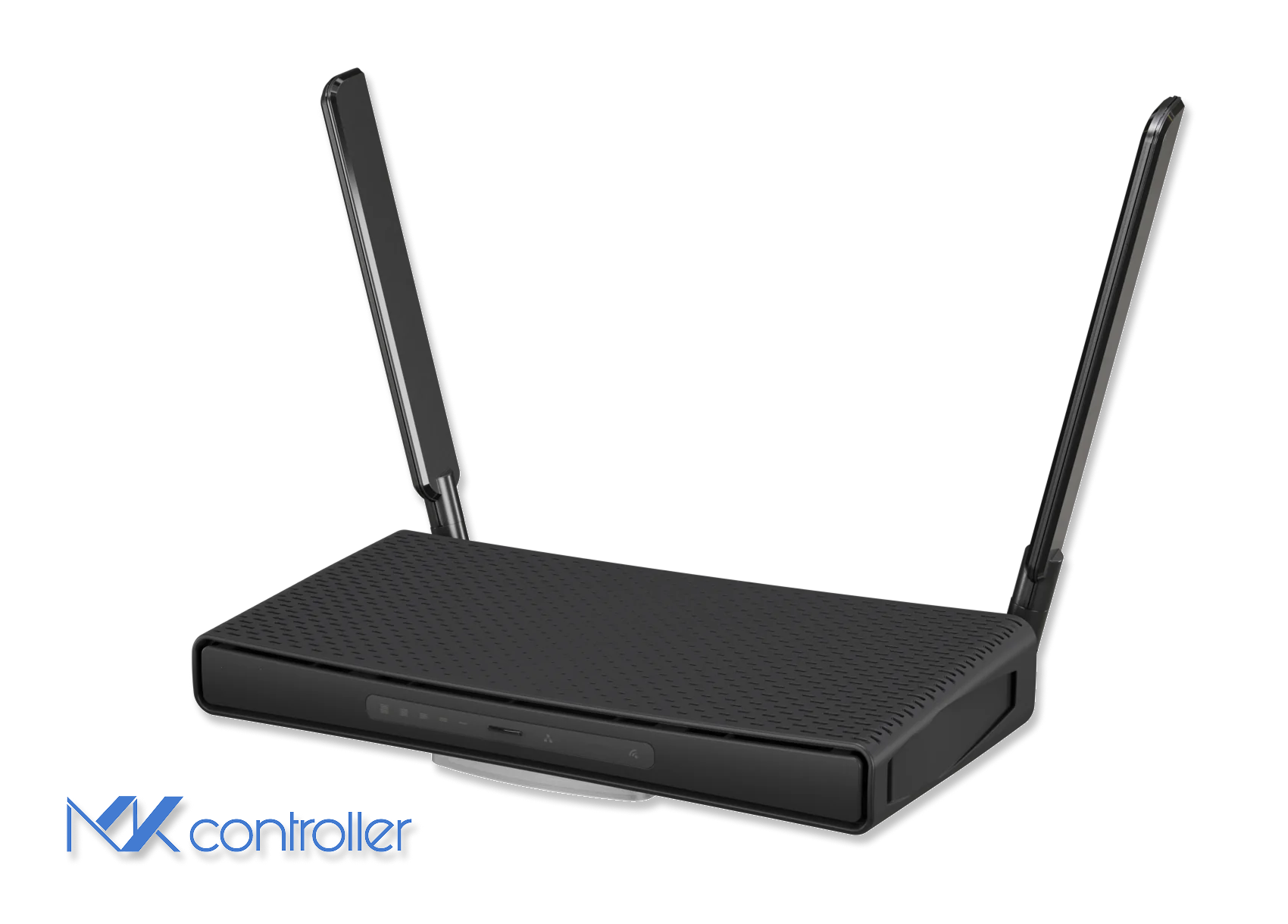
What is the MikroTik hAP ac³ for ISP deployments?
The MikroTik hAP ac³ (RBD53iG-5HacD2HnD) is a quad-core ARM CPE built around a Qualcomm IPQ-4019 SoC, paired with 256 MB RAM, 128 MB NAND flash, five Gigabit Ethernet ports on an internal switching fabric, a USB 2.0 port (for storage or 4G/LTE dongle), and dual-band Wi-Fi 5 (2.4 GHz and 5 GHz) with two external antennas. For ISPs, it targets a clean sweet spot: affordable enough to standardize across a residential rollout, capable of near-Gigabit wired routing under realistic load, and running RouterOS for flexibility that consumer-grade CPEs cannot match.
A CPE is not just “the box that turns fiber into Wi-Fi” — it’s the front line for user experience and support costs. If the router can’t keep up with NAT, PPPoE, or firewall rules, you get slow tickets. If Wi-Fi collapses in a noisy neighborhood, you get slow tickets again. And if firmware is outdated, you get something worse. The hAP ac³ does well on the first count, has predictable limits on the second, and rewards operational discipline on the third. For broader fleet comparisons, see our hAP ac² review and RB5009 review.
Hardware snapshot
- CPU: Qualcomm IPQ-4019 quad-core ARM
- RAM: 256 MB
- Storage: 128 MB NAND
- Ethernet: 5× Gigabit
- Wi-Fi: Dual-band 2×2 WiFi 5 (802.11ac)
- USB: 1× USB 2.0
- Antennas: Two external dual-band
External antennas improve coverage over internal-antenna designs, but they don’t break physics — horizontal coverage is typically better than vertical, so multi-story houses may still need a second AP. When you can’t place the router halfway up the building, use a wired-backhaul AP instead of a pure repeater.
Wired throughput: FastTrack is the difference
In wired routing and NAT tests, the hAP ac³ approaches Gigabit throughput under favorable conditions, especially with RouterOS FastTrack enabled. The principle is straightforward: features cost CPU. With minimal packet processing, the box moves traffic fast. With per-packet work (deep firewall, queues, accounting), throughput drops.
A practical baseline firewall for ISP CPE
Keep the firewall small, explicit, and consistent across the fleet. If you need heavy filtering, do it upstream where possible:
/ip firewall filteradd chain=input action=accept connection-state=established,related comment="Allow established/related"add chain=input action=drop connection-state=invalid comment="Drop invalid"add chain=input action=accept protocol=icmp comment="Allow ICMP for troubleshooting"add chain=input action=accept in-interface-list=LAN comment="Allow management from LAN"add chain=input action=drop in-interface-list=WAN comment="Drop everything else from WAN"
/ip firewall filteradd chain=forward action=fasttrack-connection connection-state=established,related comment="FastTrack"add chain=forward action=accept connection-state=established,relatedadd chain=forward action=drop connection-state=invalidadd chain=forward action=drop in-interface-list=WAN connection-nat-state=!dstnat comment="Block unsolicited inbound"
FastTrack bypasses some queueing and accounting features. If you rely on per-subscriber QoS on the CPE itself, validate that path before rolling out — for our broader NAT setup guide, see the MikroTik NAT tutorial.
Wi-Fi performance: good for WiFi 5, but WiFi 5 is still WiFi 5
At close range on 5 GHz the hAP ac³ delivers strong TCP throughput for a 2×2 WiFi 5 design. The other side: WiFi performance is dominated by the environment, not the datasheet. In dense urban airspace with overlapping networks, 2.4 GHz becomes the band of last resort, and real throughput drops sharply due to interference and airtime contention.
Deployment tips that actually reduce tickets:
- Prefer 5 GHz for performance, but don’t force it blindly. Some homes need 2.4 GHz reach.
- Use 20 MHz channels on 2.4 GHz. Wider channels usually just create more problems.
- Use 80 MHz on 5 GHz only in clean spectrum. Otherwise, drop to 40 MHz.
- For full-house coverage, add a wired-backhaul AP rather than a repeater.
For RouterOS v7 deployments, consider MikroTik’s newer WiFi packages (wifiwave2 / Qualcomm-based drivers) when supported. They materially improve throughput and modern security modes depending on configuration.
VPN and management for ISP operations
The hAP ac³ supports IPsec with hardware acceleration for secure tunnels. RouterOS v7 also supports WireGuard for simpler modern VPN — see our WireGuard tutorial. For fleet operations, standards-based provisioning is the game-changer: RouterOS v7 introduced a TR-069 client, allowing integration with an ACS for remote provisioning and monitoring. See our TR-069 management guide and the TR-369 USP successor protocol.
To combine “provisioning at scale” with “instant reachability behind NAT/CGNAT,” complement TR-069 with a secure remote-access layer. MKController’s NATCloud delivers inside-out connectivity without port forwarding, which keeps remote support fast and safer.
Security: the device is fine; the internet is not
RouterOS is powerful, and power cuts both ways. The platform has had vulnerabilities in older branches and the operational need for vigilant patching is real. Your strongest control is discipline:
- Standardize a hardened baseline config across the fleet.
- Disable unused services (Telnet, FTP, unused APIs).
- Restrict management to trusted IPs or VPN.
- Enforce upgrades from a stable or long-term release channel.
- Monitor for anomalies via SNMP, Syslog, and NetFlow.
“Default safe” is not the same as “ISP safe.” A secure default is good; your rollout needs repeatable governance. For deeper management-plane hardening, see our Winbox security best practices and device-mode security guide.
Heat, mounting, and the “it’s in a closet” problem
The device is passively cooled and rated for warm environments, but airflow still matters. Avoid sealed cabinets and tight wall boxes. Small placement changes prevent long-term instability and the random WiFi complaints that look mysterious until you find the thermal cause.
When the hAP ac³ is the right choice
The hAP ac³ is the sensible CPE for service tiers up to roughly the mid-hundreds of Mbps with moderate WiFi demands. It shines when you value RouterOS flexibility, VLAN tagging, and integration with your own management workflows. Step up to a higher-tier router or WiFi 6 hardware when customers regularly push full Gigabit with heavy firewall/QoS enabled, when you have many concurrent WiFi clients per home, or when you need better performance under dense RF conditions.
Take the next step
If you manage many sites, MKController centralizes visibility, standardizes configurations, and reduces truck rolls. With NATCloud, you reach equipment behind CGNAT without exposing ports, keeping remote support fast and safer for an ISP-scale CPE fleet.