
Đánh Giá Kiến Trúc Hiệu Suất MikroTik RB3011
Konten ini belum tersedia dalam bahasa Anda.
Tóm tắt
Bài viết đánh giá hiệu suất thực tế của MikroTik RB3011, giải thích kiến trúc, giới hạn băng thông, VPN và chiến lược tối ưu cho triển khai SMB và ISP.
Đánh Giá Kiến Trúc Hiệu Suất MikroTik RB3011
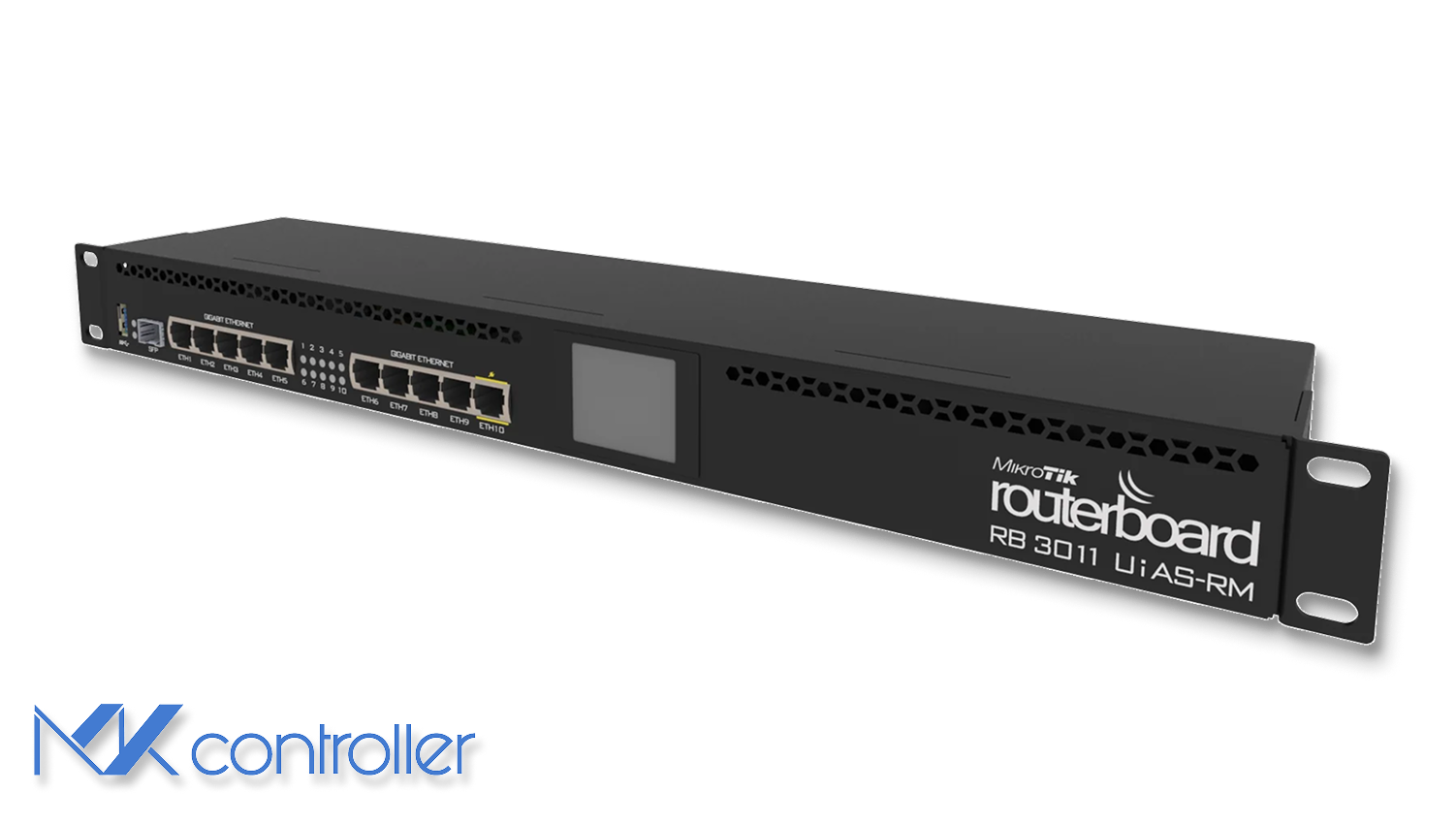
Tổng Quan: RB3011 Được Thiết Kế Cho Mục Đích Gì
MikroTik RB3011UiAS-RM từ lâu đã được xem là router tiết kiệm chi phí cho các nhà cung cấp dịch vụ Internet nhỏ (ISP) và mạng SMB. Bên trong, nó sử dụng CPU dual-core ARM Qualcomm IPQ-8064 với tốc độ 1.4 GHz và hai chip chuyển mạch độc lập chia 10 cổng Gigabit Ethernet thành hai nhóm. Thiết kế này giảm chi phí và tiêu thụ điện năng trong khi giữ cho việc chuyển mạch nhanh, nhưng cũng tạo ra các giới hạn kiến trúc ảnh hưởng đến hiệu suất định tuyến. :contentReference[oaicite:0]{index="0"}
Thiết bị có 1 GB RAM, 128 MB NAND, thiết kế tản nhiệt thụ động, PoE-in trên Ether1 và PoE-out trên Ether10, cùng màn hình LCD đơn giản để giám sát cơ bản. Điều kiện nhiệt ổn định, nhưng sử dụng liên tục trên 80–90 °C có thể làm giảm tuổi thọ thiết bị.
Ưu và Nhược Điểm Kiến Trúc
Cấu trúc bên trong của RB3011 hoạt động tốt khi lưu lượng nằm trong cùng một chip chuyển mạch. Trong trường hợp này, chuyển tiếp được xử lý phần cứng, đạt tốc độ dây với tải CPU gần như không đáng kể. Tuy nhiên, khi lưu lượng vượt qua các nhóm cổng hoặc yêu cầu định tuyến, tất cả gói tin phải đi qua CPU—đây là nơi xảy ra nút thắt cổ chai. Với hai lõi xử lý định tuyến, NAT, tường lửa, hàng đợi, PPPoE và mã hóa VPN, CPU dễ bị quá tải khi số lượng gói tin trên mỗi giây cao. :contentReference[oaicite:1]{index="1"}
Một giới hạn khác là liên kết 1–2 Gbps giữa mỗi chip chuyển mạch và CPU. Điều này có nghĩa RB3011 không thể liên tục cung cấp tốc độ định tuyến gigabit đầy đủ trên tất cả các cổng cùng lúc.
Băng Thông: Những Gì Bạn Thực Sự Nhận Được Trong Thực Tiễn
Các bài kiểm tra RFC2544 của MikroTik cho thấy băng thông định tuyến lý tưởng lên tới ~4 Gbps với gói 1518 byte sử dụng FastPath. Nhưng điều này không phản ánh lưu lượng internet thực tế, thường gồm nhiều gói nhỏ.
Với khung 64 byte, băng thông giảm mạnh xuống còn ~231 Mbps vì CPU đạt giới hạn gói trên giây. Khối lượng công việc thực tế thường kết hợp cả gói nhỏ lẫn lớn, dẫn đến giới hạn thực dụng khoảng 600–800 Mbps cho các trường hợp chỉ định tuyến. Khi NAT và quy tắc tường lửa hoạt động, người dùng báo cáo 300–600 Mbps tùy độ phức tạp quy tắc và phiên bản RouterOS. RouterOS v7, loại bỏ bộ nhớ đệm định tuyến so với v6, thường có hiệu năng kém hơn trên kiến trúc CPU cũ như RB3011. :contentReference[oaicite:2]{index="2"}
Mẹo: FastTrack là cần thiết trên RB3011. Nếu không, tổng băng thông định tuyến+NAT có thể giảm xuống dưới 350 Mbps.
Tường Lửa, Hàng Đợi và Áp Lực CPU
Việc xử lý chỉ bằng CPU rõ ràng khi bật các quy tắc tường lửa hoặc cây hàng đợi. Trong thử nghiệm của MikroTik, 25 quy tắc tường lửa giảm băng thông xuống còn ~60 Mbps với gói 64 byte. Ngay cả với gói lớn hơn, băng thông vẫn dưới 500 Mbps. Hàng đợi cũng làm giảm đáng kể hiệu suất, nhiều thiết lập mất 40–60% băng thông khi có tải hàng đợi vừa phải. :contentReference[oaicite:3]{index="3"}
Điều này khiến RB3011 phù hợp với lọc vừa phải nhưng không thích hợp cho các tải UTM nặng.
Hiệu Suất VPN: IPsec, PPPoE và Các Giao Thức Khác
Hiệu suất IPsec trên RB3011 đáng ngạc nhiên với gói lớn (lên đến ~780 Mbps) nhờ tăng tốc ARM NEON. Tuy nhiên, với gói nhỏ, băng thông giảm xuống ~38 Mbps. Các tải VPN thực tế hỗn hợp đạt ~300 Mbps. :contentReference[oaicite:4]{index="4"}
PPPoE, hoạt động đơn luồng, tối đa một lõi CPU, thường đạt ~500 Mbps ngay cả khi sử dụng FastTrack.
Các giao thức như OpenVPN hoạt động kém do mã hóa chỉ CPU và overhead TCP.
Danh Sách Kiểm Tra Tối Ưu Thực Tiễn
- Bật FastTrack cho lưu lượng IPv4.
- Sử dụng bridging phần cứng khi có thể.
- Giảm số lượng và độ phức tạp quy tắc tường lửa.
- Tránh cây hàng đợi sâu khi điều chỉnh liên kết Gigabit.
- Giữ thiết bị RB3011 mát và thoáng khí.
- Sắp xếp sử dụng cổng để các đường truyền đòi hỏi cao nằm trong cùng một chip chuyển mạch.
Nơi MKController giúp bạn: Với giám sát, quản lý tài sản, cảnh báo và quản lý tập trung, MKController giúp theo dõi tình trạng CPU, nhiệt độ và xu hướng băng thông trên nhiều thiết bị MikroTik dễ dàng hơn.
Về MKController
Hy vọng những phân tích trên giúp bạn quản lý thiết bị MikroTik và mạng Internet của mình dễ dàng hơn! 🚀
Dù bạn tinh chỉnh cấu hình hay chỉ muốn quản lý mạng hiệu quả, MKController luôn sẵn sàng giúp bạn đơn giản hóa công việc.
Với quản lý đám mây tập trung, cập nhật bảo mật tự động và bảng điều khiển dễ sử dụng, chúng tôi có giải pháp nâng cấp hoạt động của bạn.
👉 Bắt đầu dùng thử miễn phí 3 ngày tại mkcontroller.com — trải nghiệm kiểm soát mạng đơn giản thực sự.