
Remote Access
Monitoring MikroTik with Zabbix
Use Zabbix to monitor MikroTik devices remotely via SNMP — server install, host setup, dashboards, triggers, and scaling with Zabbix Proxy.
Summary Zabbix is the open-source NMS of choice for ISPs and operators who need full observability across mixed-vendor networks. It pairs cleanly with MikroTik via SNMP, scales horizontally with Zabbix Proxy, and turns raw device metrics into dashboards and triggered alerts. This guide covers the Ubuntu server install, MikroTik SNMP configuration, host onboarding, dashboards and triggers, and the scaling pattern for fleets spread across many sites.
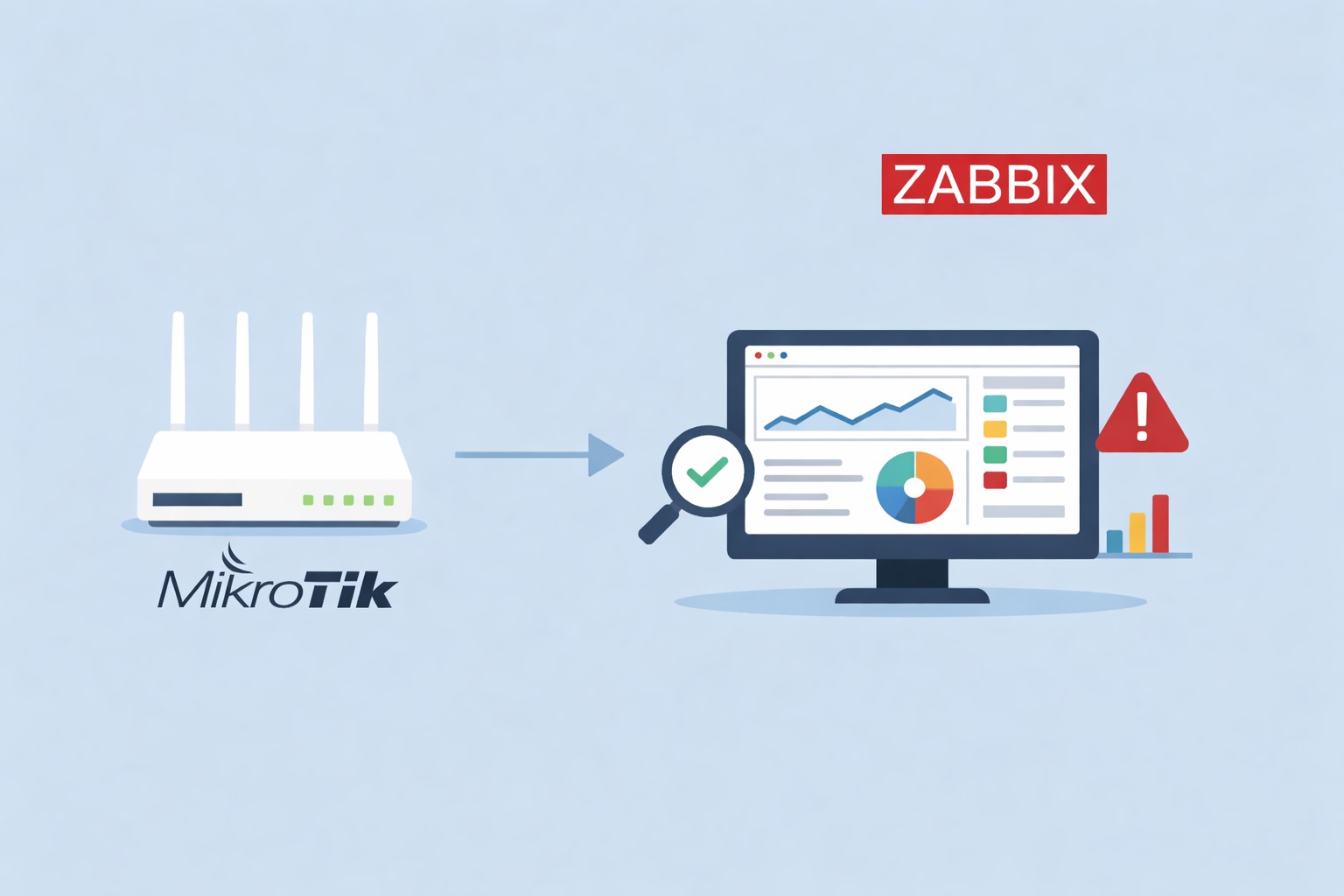
How does Zabbix monitor MikroTik routers?
Zabbix is a free, enterprise-grade monitoring platform that collects metrics from hosts, applications, and network gear via SNMP, the Zabbix agent, ICMP, HTTP(S), SSH, IPMI, JMX, or custom APIs — all feeding a single dashboard with graphs, triggers, and notifications. For MikroTik, the standard integration is SNMP: MikroTik doesn’t ship a native Zabbix agent, but RouterOS exposes a rich SNMP MIB that Zabbix’s MikroTik templates consume directly, surfacing uptime, interface counters, CPU, memory, temperature, and per-port throughput.
The architecture scales by adding Zabbix Proxy instances at remote sites. The Proxy collects locally and forwards summarized data to the central Server, which keeps the database manageable and reduces WAN polling overhead. For a single-vendor monitoring pattern that focuses on the SNMP side specifically, see our SNMP MikroTik monitoring guide.
Zabbix architecture
- Zabbix Server — central brain that gathers, stores, and analyzes data.
- Zabbix Agent — lightweight service for deep host metrics on Linux/Windows.
- Zabbix Proxy — optional collector for remote sites or scale.
- Frontend — web UI for dashboards, templates, and alerts.
Typical data flow: [Device / SNMP / Agent] → [Zabbix Proxy] → [Zabbix Server] → [DB + Frontend].
Step 1: Install Zabbix Server on Ubuntu
The minimum to get a functional server for testing or small deployments.
Update the host:
apt update && apt upgrade -yInstall dependencies:
apt install -y apache2 mysql-server php php-mysql snmpAdd the Zabbix repository and install:
wget https://repo.zabbix.com/zabbix/7.0/ubuntu/pool/main/z/zabbix-release/zabbix-release_7.0-1+ubuntu22.04_all.debsudo dpkg -i zabbix-release_7.0-1+ubuntu22.04_all.debsudo apt updatesudo apt install -y zabbix-server-mysql zabbix-frontend-php zabbix-agentCreate the database:
mysql -uroot -pCREATE DATABASE zabbix CHARACTER SET utf8mb4 COLLATE utf8mb4_bin;CREATE USER 'zabbix'@'localhost' IDENTIFIED BY 'StrongPassword!';GRANT ALL PRIVILEGES ON zabbix.* TO 'zabbix'@'localhost';FLUSH PRIVILEGES; EXIT;Enable and start the services:
systemctl enable --now zabbix-server apache2 zabbix-agentThe web frontend is now available at http://<ZABBIX_IP>/zabbix. Use a dedicated DB user with a strong password and back up the database on a regular cadence.
Step 2: Enable SNMP on the MikroTik
In a Winbox terminal on the MikroTik:
/snmp set enabled=yes/snmp community add name=zabbix-ro addresses=192.0.2.10/32Replace 192.0.2.10/32 with your Zabbix server’s actual source IP. Never leave 0.0.0.0/0 or the default public community in production — prefer SNMPv3 with authentication and encryption when the network supports it.
Step 3: Add the MikroTik host in Zabbix
In the Zabbix frontend, go to Configuration → Hosts → Create host:
- Hostname:
MikroTik-RB750(or whatever convention you use) - IP address: the router’s management IP
- Templates: attach a MikroTik SNMP template (community templates are available from the Zabbix template library, or you can define custom items per OID)
Zabbix will start pulling uptime, interface counters, CPU and temperature, memory utilization, and throughput within the next polling cycle.
Step 4: Dashboards, triggers, and notifications
Build dashboards with tiles for bandwidth, device health, and the problem list. Triggers fire alerts on conditions — for example, an ICMP-fail check that pages someone when a router stops responding for three minutes:
last(/MikroTik-RB750/icmpping)=0Notifications can go to email, Telegram, Slack, or arbitrary webhooks. Start with a small number of important triggers and expand from there — alert fatigue is the easiest way to destroy a monitoring deployment’s effectiveness.
Step 5: Scale with Zabbix Proxy
For ISPs or operators managing remote sites, deploying a Zabbix Proxy at each region reduces latency, decouples collection from the central database, and isolates per-site outages from affecting the rest of the fleet. SNMP auto-discovery rules let new MikroTiks auto-onboard once they appear on the management network — define the rule once, and onboarding becomes hands-off.
Proxies also let you collect data from devices that sit behind NAT or in private network segments without exposing each device to the public internet. For broader remote-access patterns that complement Zabbix at fleet scale, see our WireGuard remote management guide and VPS-based management guide.
Security best practices
- Use SNMPv3 with authentication and privacy where possible — see the SNMP MikroTik guide for v3 setup.
- Restrict Zabbix UI access and agent ports via firewall rules.
- Rotate SNMP credentials, Zabbix API keys, and admin passwords on schedule.
- Run monitoring traffic on dedicated VLANs where the topology supports it.
- Back up the Zabbix database and configuration regularly.
Exposing SNMP communities or the Zabbix frontend to the public internet without protection is a major risk surface.
Zabbix vs. other monitoring tools
| Solution | Focus | Automation | Best for |
|---|---|---|---|
| Zabbix | Full NMS | High | ISPs and large infrastructure |
| SNMP-only tools | Protocol | Medium | Simple device polling |
| TR-069 / TR-369 | CPE management | Medium | ISPs managing customer CPEs |
| Grafana + Prometheus | Metrics, dashboards | High | DevOps and cloud environments |
| The Dude (MikroTik) | Lightweight NMS | Low | Small networks, basic discovery |
Why Zabbix for providers and admins
Centralized visibility for thousands of hosts. Highly customizable triggers and escalations. Proxies for distributed collection. No licensing cost for core features. These strengths make Zabbix the standard choice for ISPs and operators who need full observability across a heterogeneous fleet — MikroTik, UniFi, Intelbras, and beyond — without the cost of a commercial NMS.
Take the next step
Zabbix is a powerful, flexible monitoring system. Paired with SNMP, it gives precise insight into MikroTik devices and overall network health. Start small — monitor uptime and interface throughput, then expand dashboards and triggers as you learn what matters most.
If you’d rather avoid running an on-prem NMS, MKController combines SNMP-based monitoring with secure remote access through NATCloud’s outbound tunnels — centralized visibility and remote sessions across MikroTik fleets without operating a Zabbix server yourself. For complementary protocols, see our TR-369 USP guide and TR-069 management guide.