Przejdź do głównej zawartości
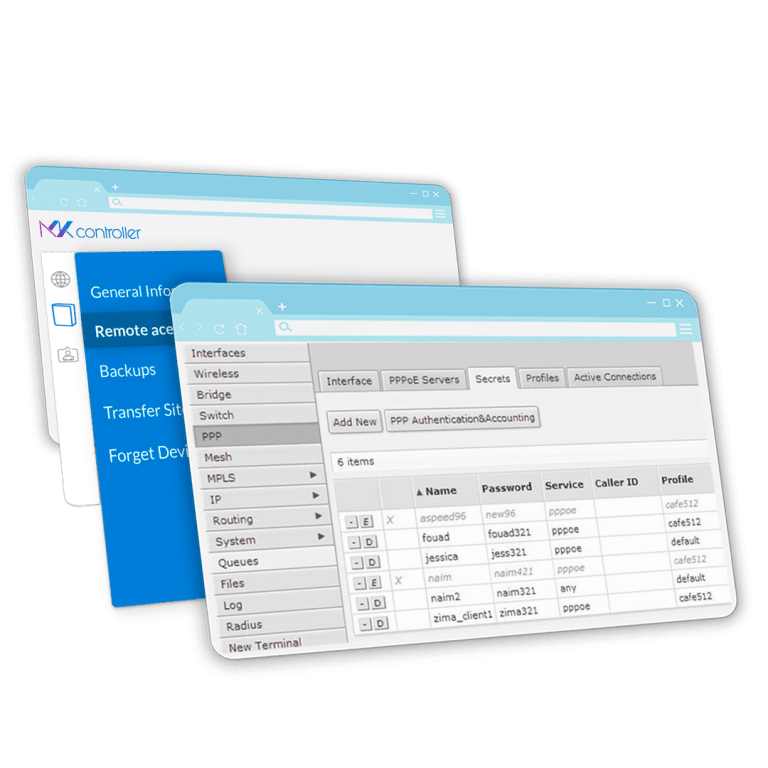
MKController cloud dashboard managing MikroTik devices remotely

MKController Knowledge Center: Docs & Guides

We're MKController — a smart, cloud-based platform that revolutionizes how you manage Mikrotik devices. This is your go-to hub for insights, support, and everything you need to make your network operations faster, safer, and simpler. Dive in and take control!

Quick guides

What is MKController?

MKController is a cloud-based network management platform built specifically for MikroTik and UniFi devices. Whether you are an ISP, MSP, or IT administrator managing dozens or hundreds of routers, MKController centralizes everything — remote access, monitoring, backups, hotspot vouchers, and availability reports — into a single, easy-to-use dashboard accessible from any browser.

MikroTik Device Management

Adopt your MikroTik RouterOS devices in minutes without opening firewall ports or setting up VPNs. Once adopted, you can:

  • Access each router remotely via WebFig or Winbox through an encrypted tunnel
  • Monitor CPU, memory, disk, and temperature in real time
  • Schedule and store automatic binary and export backups
  • Apply bulk firmware updates or configuration changes across your entire fleet
  • View availability reports with SLA-ready uptime percentages

Hotspot Voucher System

MKController includes a full-featured hotspot voucher management module built on MikroTik’s HotSpot service. Create voucher groups with custom speeds, time limits, and pricing. Track revenue per batch, per device, or per reseller with the built-in Voucher Dashboard. Customize the login portal with your own branding, colors, and logo.

NATCloud Remote Access

NATCloud lets you remotely access any web-based device — cameras, switches, NAS drives, OLT controllers — that shares a network with an adopted MikroTik. No public IP needed. No port forwarding. Just click and connect through MKController’s secure cloud tunnel.

UniFiController Cloud Hosting

Run your UniFi Network Application in MKController’s cloud infrastructure. Adopt UniFi APs and switches without maintaining a local controller server, keeping your configuration safe, always online, and accessible from anywhere.

Why Teams Choose MKController

MKController removes the fragmentation that comes with managing large networks. Instead of running separate tools for access, backups, monitoring, and reporting, everything is available from a single login. The platform is used by ISPs who need to prove SLA compliance to clients, by MSPs managing multi-tenant environments, and by enterprise IT teams who want visibility without the complexity of tools like Zabbix or PRTG.

Device Availability & SLA Reports

Every adopted MikroTik automatically gets availability tracking enabled. MKController records uptime and downtime with minute-level precision and calculates the exact availability percentage for any time period you choose. You can define custom operating schedules per device — for example, Monday to Friday 08:00–21:00 for a retail branch — so availability is measured only during expected uptime windows. The result is a clear, shareable SLA report that auditors and clients understand at a glance, without needing Netwatch scripts, Dude exports, or third-party monitoring infrastructure.

Built for Scale

MKController’s Sites feature lets you organize devices by location, client, or service type. Apply configurations, automations, and policies to an entire site at once instead of editing devices one by one. As your network grows — from 10 routers to 1,000 — the same interface and workflow scale with you.

Start with a free 7-day trial at mkcontroller.com — no credit card required.