
Getting Started with StarController for Starlink Fleets
Summary StarController is the cloud operations layer for businesses that run on Starlink. It sits on top of your existing Starlink accounts — Residential or Business — and gives you one cross-account view of every site: status, data usage, billing, accounts, and time-limited field access. It complements Starlink; it never replaces it. StarController is currently in Beta and starts at US$ 3.00/month, billed as part of your MKController subscription by total device count.
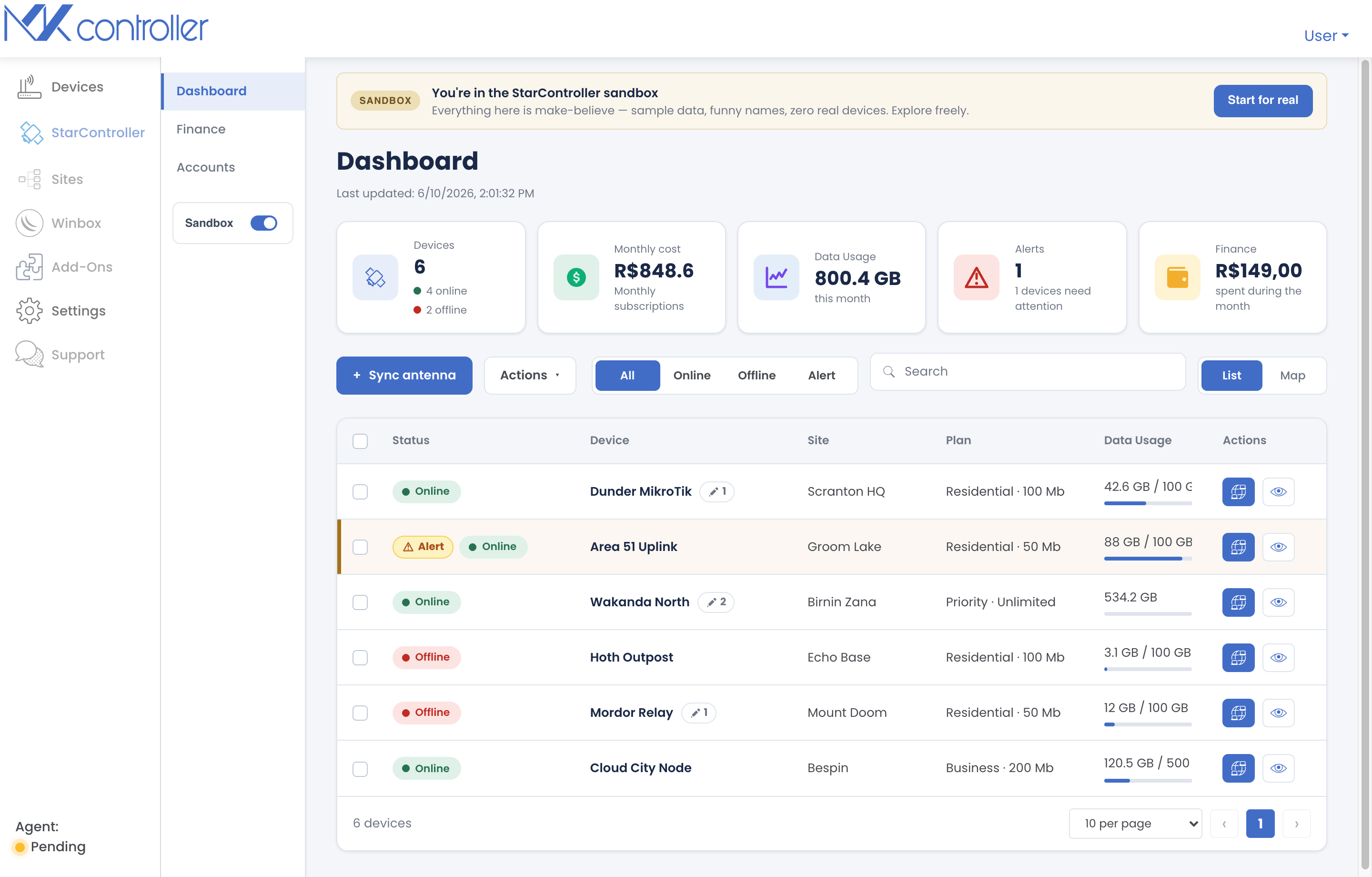
StarController is a UNIController product, built by the team behind MKController — the same single-pane discipline proven on thousands of MikroTik and UniFi devices, now extended to Starlink. Starlink connects your sites. StarController helps you operate them across many accounts, sites, and vendors.
What is StarController?
Section titled “What is StarController?”Past the first antenna, running Starlink quietly turns into work: terminals report healthy while a site is down, accounts are scattered across logins, contractors keep standing access nobody tracks, and invoices surface after the spend.
StarController pulls all of that into one screen:
- See every site — every terminal mapped and listed with its current status (online, offline, or needs attention), so an outage is yours to catch, not the customer’s to report.
- Keep billing under control — overdue, open, and on-time invoice status across the whole fleet.
- Govern field access — hand a technician an ephemeral, time-limited Starlink session instead of your standing password.
- See the site, not just the antenna — pair satellite status with the MikroTik / UniFi context you already manage in MKController.
It never owns your connectivity, never changes your Starlink plan, and never bypasses Starlink billing. You stay the account owner the whole time.
Who is it for?
Section titled “Who is it for?”- WISPs & rural ISPs — site-level visibility, usage, and billing across every subscriber terminal.
- Agriculture & construction — remote, unmanned sites visible from the office, with time-limited field sessions for crews.
- Retail & branch backup-WAN — know which location’s link is down before the store calls.
- Internal IT (5–500 terminals) — one view of every site, who can touch it, and what each account costs.
The Satellites workspace
Section titled “The Satellites workspace”Everything lives under the Satellites item in the left menu, split into three tabs plus a per-terminal detail view:
| Where | What it’s for |
|---|---|
| Dashboard | Fleet overview — devices, monthly cost, data usage, alerts, and finance at a glance, as a list or on a map. |
| Accounts | Your synced Starlink accounts, accounts still available to sync, and the Starlink users on them. |
| Finance | Invoices across every account — overdue, open, and on-time — with pay and download actions. |
| Device detail | One terminal’s full picture: usage, uptime, plan, location, attributes, observations, and subscription. |
How to get started
Section titled “How to get started”Step 1 — Sign in to MKController
Section titled “Step 1 — Sign in to MKController”Open app.mkcontroller.com and sign in, or create a free account. StarController lives in the same workspace you use for MikroTik and UniFi.
Step 2 — Request StarController Beta access
Section titled “Step 2 — Request StarController Beta access”StarController is in Beta and gated behind a feature flag. Open the Add-Ons / Marketplace, find the StarController tile, and request access. Once it’s granted, Satellites appears in your left menu.
Step 3 — Open the Satellites workspace
Section titled “Step 3 — Open the Satellites workspace”Click Satellites in the left menu. The first time, you’ll land on the Dashboard with a guided sandbox so you can explore StarController with sample data before connecting a real account.
Step 4 — Sync your first Starlink account
Section titled “Step 4 — Sync your first Starlink account”When you’re ready, sync a real account. You invite StarController into your Starlink account as an administrator — you never share your password. Full walkthrough: Sync your Starlink devices.
Step 5 — Run your fleet
Section titled “Step 5 — Run your fleet”With at least one account synced, the Dashboard, Accounts, and Finance tabs fill with your real terminals. From here you monitor status, reconcile billing, and issue temporary field access.
Pricing
Section titled “Pricing”StarController starts at US$ 3.00 / month. It is billed as part of your MKController subscription, and your package is set by your total number of plan devices — each adopted Starlink, UniFi and MikroTik device counts as one, and devices monitored through NATCloud do not count, so adding terminals can move you up a tier. See How your devices are counted and Plans & billing for details.
What StarController does not do
Section titled “What StarController does not do”StarController is an operations layer — not a replacement for Starlink. It never owns your connectivity, changes your Starlink plan, or bypasses Starlink billing, and you remain the account owner and can remove access at any time.
Some capabilities are still on the roadmap rather than shipped — including proactive alerting, scoped least-privilege roles, access audit logs, and self-serve revoke. Where this guide describes a feature, it describes what works today.
Next steps
Section titled “Next steps”- Sync your Starlink devices — connect your first account.
- Fleet Dashboard — read the KPIs, list, and map.
- Managing accounts — synced accounts, available to sync, and users.
- Finance & invoices — fleet-wide billing.
- Inside a terminal — the per-terminal cockpit.
- Remote & temporary access — secure field access.
Didn’t find what you need? Have questions or feedback? Reach out to MKController Support.
👉 Click here to talk to us.